
Nine themes. One board that feels like yours.
A theme changes the whole app: the board, the number pad, highlights and screens. These are real boards from the app, one per theme.
Every theme on the same puzzle
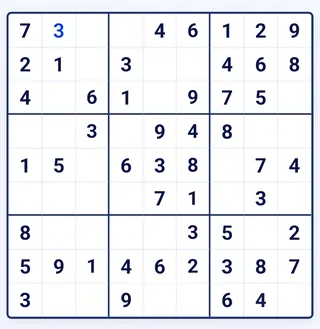
Super Sudoku
The default look: royal blue and gold. Follows your phone's light mode…
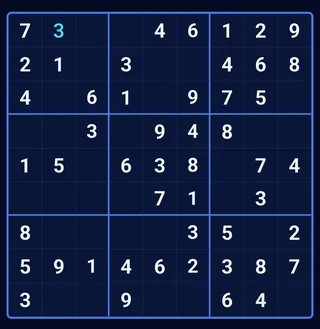
Super Sudoku (dark)
…and switches to deep navy when your phone is in dark mode.
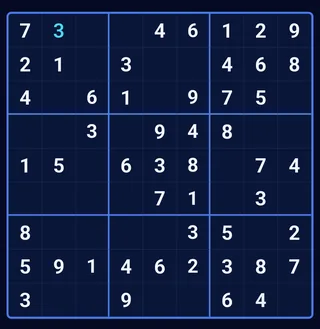
Neon Pulse
Dark navy with electric-blue lines.
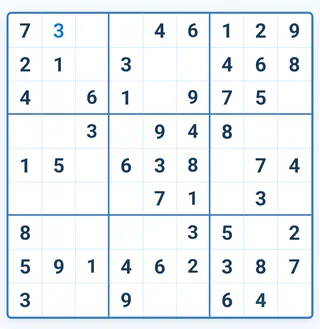
Glow Light
Bright and airy with sky-blue accents.
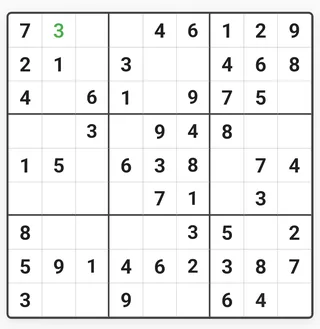
Classic
Clean white with fresh green highlights.
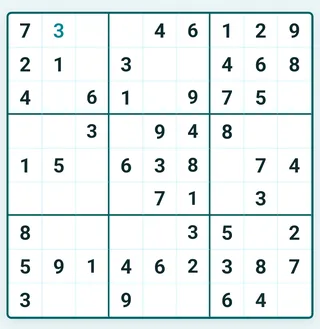
Ocean
Calm sea teal.
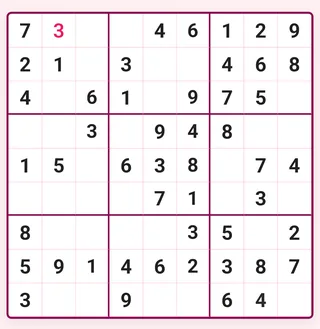
Sakura
Soft cherry-blossom pink.
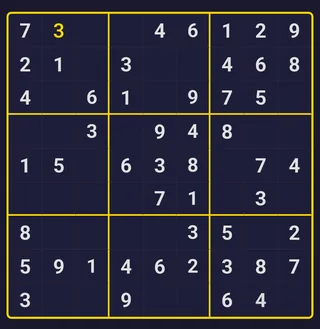
Midnight
Dark navy with gold lines.
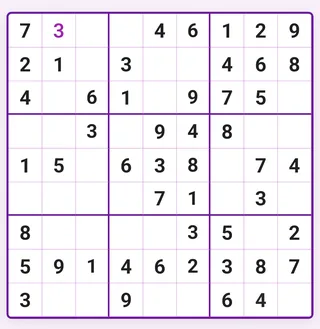
Lavender
Gentle violet tones.
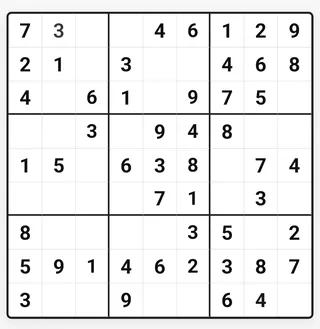
Monochrome
Pure black and white, no distractions.
Super Sudoku is shown twice because it follows your phone: light in light mode, navy in dark mode.
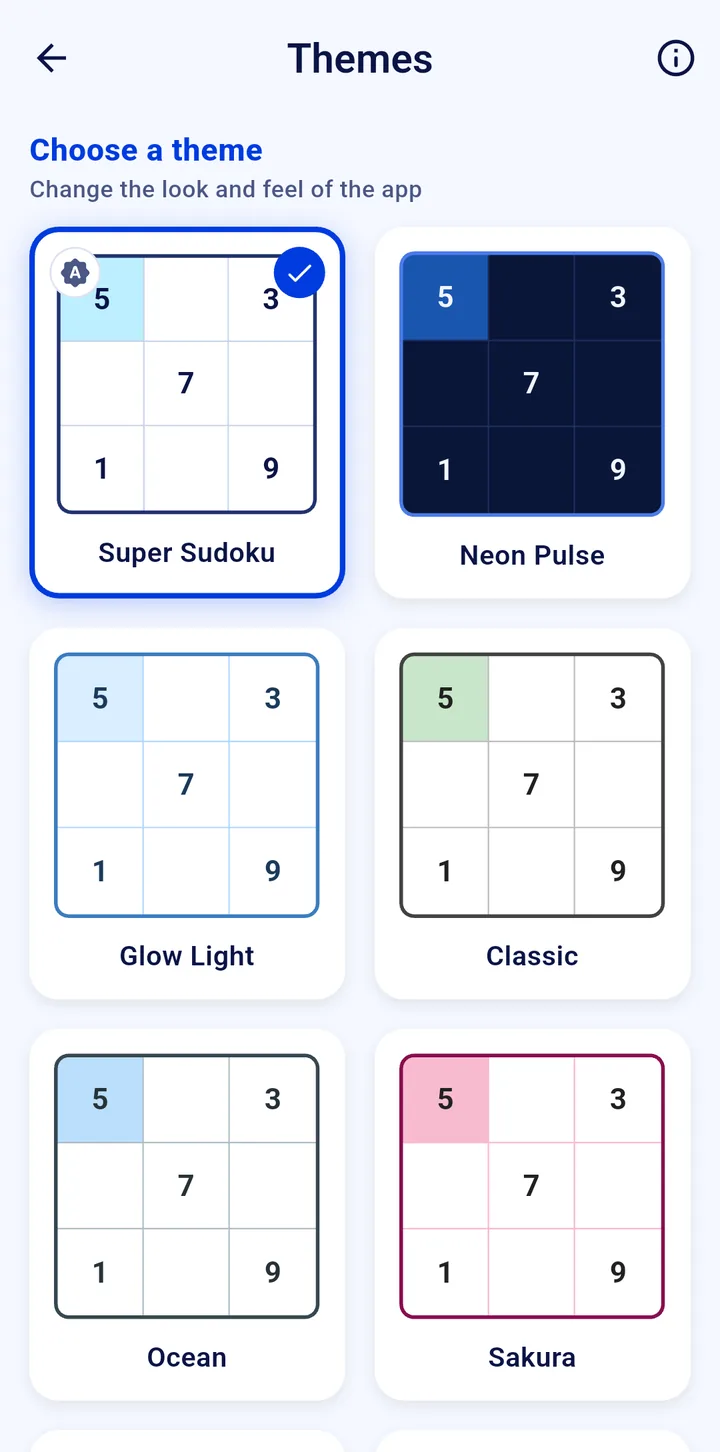
Preview first, then apply
- Open Themes from the home screen.
- Tap a card to preview it; the check mark shows your current theme.
- Tap Apply. In the latest version (1.0.23) applying a new theme asks you to watch a short video first; there is no video while you have league ad-free time.
Your theme is saved on the phone and stays after you close the app.
Find your favourite theme
Super Sudoku is free on Google Play for Android phones and tablets.